Hideousで左手デバイス
HIDeous: Turn every keyboard into a macro pad
https://github.com/dero/HIDeous
1.HIDeousダウンロード
https://github.com/dero/HIDeous/releases
2.適当な場所に解凍
3.Hideous.exeを実行する
メインキーボードとテンキーボードのDevices Hashを判定する
右クリックでDevices Hashをコピー
4.settings.iniを編集
[Devices]にDevices Hashを追加する
各キーを設定
LuaMacrosでテンキーボードを左手デバイスで使う
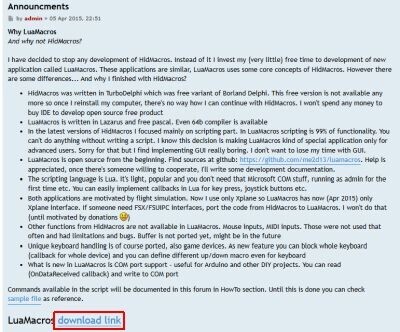
1.LuaMacrosダウンロード
http://www.hidmacros.eu/forum/viewtopic.php?f=10&t=241#p794
2.使用デバイスを設定する
lmc_print_devices()
3.スクリプト
キー入力
lmc_send_keys("{ESC}")
実行ファイル
lmc_spawn("C:\\Program Files\\luamacros\\LuaSend.exe","abc")
lmc_say("Macros")
LuaMacros
KeyMap http://musou.s38.xrea.com/mQuery/keycode.html
SendKeys https://open-shelf.appspot.com/AutoIt3.3.6.1j/html/functions/Send.htm
